Malwarebytes Anti- Rootkit Scanner
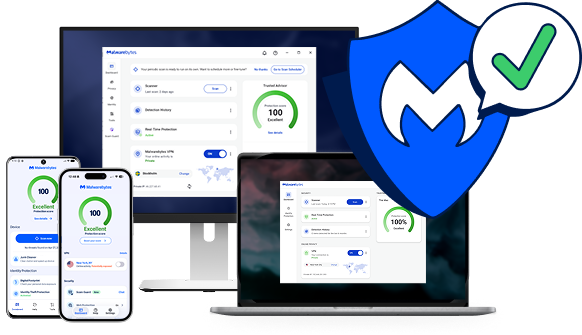
Scan for rootkits with our rootkit removal solution, or get proactive protection with Malwarebytes Premium.
Fiducia da







Rootkit sintomi
Rootkits are built to stay hidden, so the signs can be easy to miss. Watch for these warning signs.

Prestazioni lente del computer
Rootkits drain memory, which results in sluggish computer performance.

Reindirizzamenti del browser web
Si notano strani comportamenti del browser web, come il reindirizzamento dei link di Google o i segnalibri non riconosciuti.

Windows messaggi di errore
Stai ottenendo Windows messaggi di errore ("Schermata blu della morte") e si riavviano continuamente.

Furto di informazioni personali
Your credit card, Social Security number, and user passwords are stolen.

Antivirus isn’t working
Il software antivirus viene improvvisamente disattivato.
Protect your device and data with Malwarebytes rootkit scanner
Free rootkit scanner vs. Premium protection: what do you need?
Both find and remove rootkits. The difference is whether you want to clean up after an infection or stop it before it gets in.
Malwarebytes Gratuito
Remove a rootkit infection
Best if you think a rootkit is already on your device and want to find and remove it now.
Malwarebytes Premium · Consigliato
Stop rootkits before they get in
Ideale se desideri proteggere i tuoi dispositivi in ogni momento, non solo durante la scansione.
Come rimuovere i rootkit
Find and remove rootkits in a few minutes with the free Malwarebytes rootkit scanner.
01
Install the rootkit scanner
Download and install the Malwarebytes software.
02
Turn on rootkit scanning
Click the Gear icon and choose the “Security” menu. Turn on the “Scan for rootkits” slider.
03
Scan and review threats
Click the “Scan” button and Malwarebytes quickly scans your device. It then reports on any threats that were found and asks if you want to remove them.
04
Remove rootkit threats
Once you give the OK, Malwarebytes will clean up rootkits and other threats so your device, files, and privacy are secure.
Scanning removes rootkits that are already on your device. To stop new ones from getting in, turn on real-time protection with Malwarebytes Premium.
Non basarti solo su quello che diciamo
“Noi usiamo Malwarebytes su tutti i computer della nostra azienda. La nostra esperienza è che Malwarebytes è efficace e non crea problemi."
“ Malwarebytes Fornisce un ulteriore e prezioso livello di protezione contro i dati dannosi, e questo fa sentire me e i nostri sistemi più sicuri!"
"Eliminando centinaia di potenziali malware e tracker ogni settimana per tutta la nostra organizzazione".
Rootkit FAQ
Che cos'è un rootkit?
Cosa fanno i rootkit?
Perché un rootkit è così difficile da rilevare?
Come si controlla la presenza di rootkit?
Come fa Malwarebytes Protezione contro i rootkit?
Iniziare
Ottenere Malwarebytes Premium per una protezione proattiva contro ogni tipo di malware.