dsjtel.com

Short bio
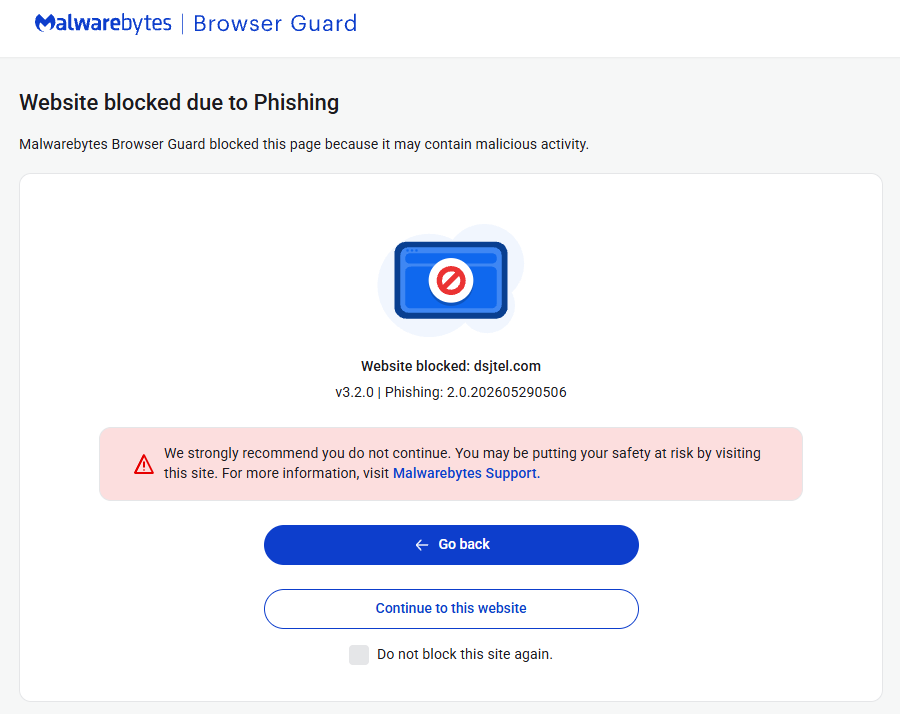
The domain dsjtel.com was blocked by Malwarebytes Browser Guard because it is associated with phishing.
Malicious behavior
Websites in this domain were found to be involved in a phishing campaign.
Protection
Malwarebytes Browser Guard blocked dsjtel.com to warn users about a phishing website.
Exclusion
Malwarebytes Browser Guard lets trusted websites bypass protection features by adding the URL to the Allow list. Only allow websites you know and trust.
- In Browser Guard open the Dashboard menu and select Allow List in the left-hand menu.
- On the Allow list screen, click the +Add website button.
- Enter the website’s URL or IP address in the Add a URL or IP address field.
- Click to select one or more of the three available protection settings you want to disable.
- Click Add to list. You should see a notification that the website is added to the Allowed websites list.
You can also remove unwanted exclusions from the Allow List by clicking on the 3 stacked dots behind the entry.


