Spyware.JSCeal

Short bio
Spyware.JSCeal is Malwarebytes’ detection name for an information stealer that mainly focuses on users of cryptocurrency apps.
Type and source of infection
Spyware.JSCeal uses node.js to run malicious Javascript payloads. The malware is distributed through sponsored advertisements on social media platforms which focus on fake crypto-currency related content.
Malicious behavior
Spyware.JSCeal uses methods like keylogging, screenshots, and changing cryptocurrency wallets to steal cryptocurrencies from the affected system.
Protection
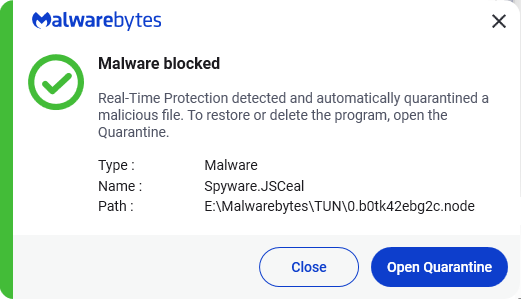
Malwarebytes detects and blocks Spyware.JSCeal to protect users.
Home remediation
Malwarebytes can detect and remove Spyware.JSCeal without further user interaction.
Reboot the system if prompted to complete the removal process.
Please download Malwarebytesto your desktop.
Double-click MBSetup.exeand follow the prompts to install the program.
When your Malwarebytes for Windowsinstallation completes, the program opens to the Welcome to Malwarebytes screen.
Click on the Get started button.
Click Scan to start a Threat Scan.
Click Quarantineto remove the found threats.
Business remediation
How to remove Spyware.JSCeal with the Malwarebytes Nebula console
You can use the Malwarebytes Anti-Malware Nebula console to scan endpoints.

Nebula endpoint tasks menu
Choose the Scan + Quarantine option. Afterwards you can check the Detections page to see which threats were found.
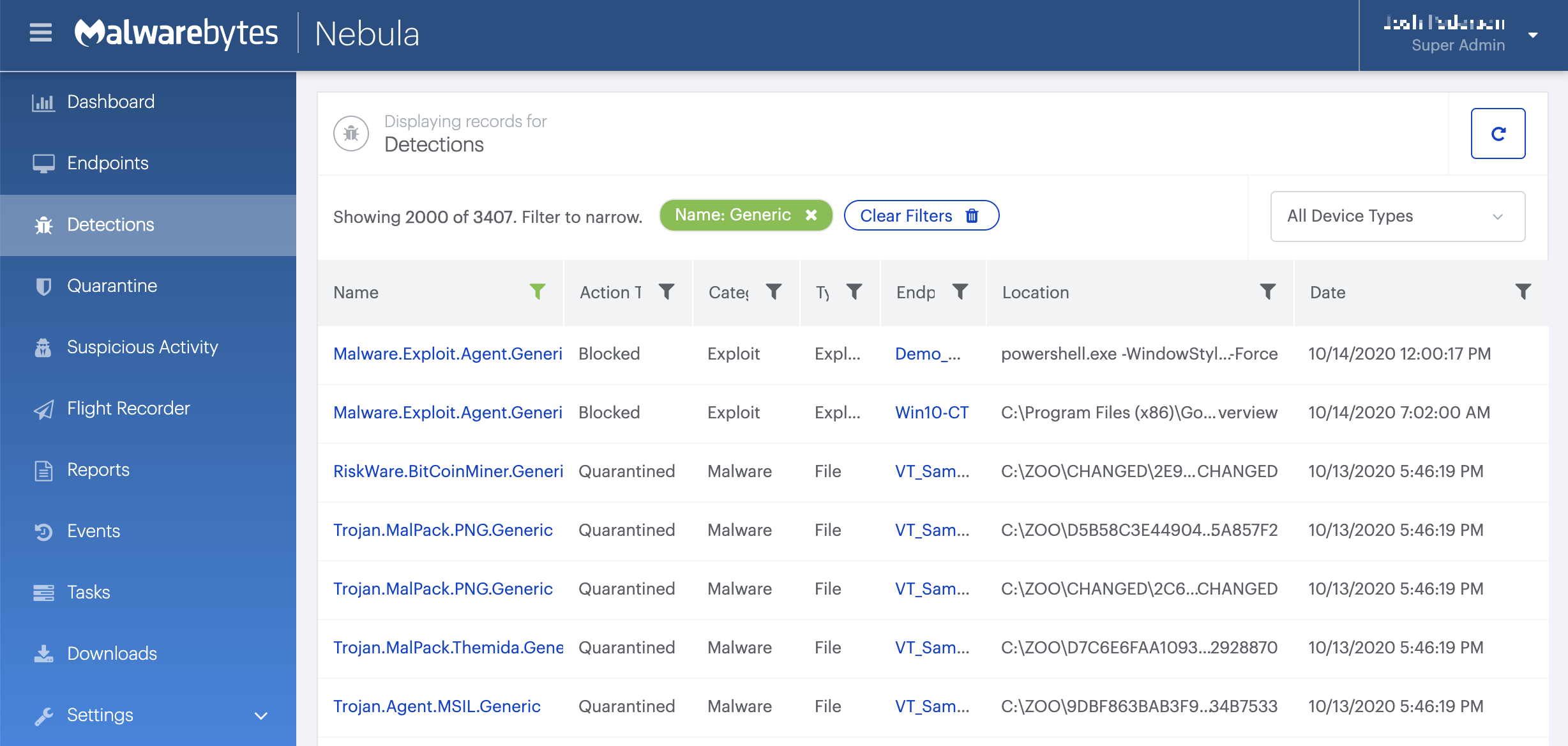
On the Quarantine page you can see which threats were quarantined and restore them if necessary.



