Trojan.Crypt.MSIL

Short bio
Trojan.Crypt.MSIL is Malwarebytes’ detection name for a type of Trojan programmed in Microsoft Intermediate Language (MSIL) that is obfuscated.
Type and source of infection
The detection name Trojan.Crypt,MSIL detection is based on the way the file is packed and compiled, which means the Trojan payload could be anything.
Most of the time, the user gets infected by using some unauthenticated online resources. Infections are often consequences of activities like:
- Clicking malicious links or visiting shady websites
- Downloading unknown free programs
- Opening attachments sent with spam
- Plugging infected drives
- Using Infected proxy (like in case of OnionDuke)
They may also be installed without user interaction, carried by various exploit kits.
Protection
Malwarebytes/ThreatDown products detect and block Trojan.Crypt.MSIL.

Home remediation
Malwarebytes can detect and remove Trojan.Crypt.MSIL without further user interaction.
Reboot the system if prompted to complete the removal process.
Please download Malwarebytes to your desktop.
Double-click MBSetup.exe and follow the prompts to install the program.
When your Malwarebytes for Windows installation completes, the program opens to the Welcome to Malwarebytes screen.
Click on the Get started button.
Click Scan to start a Threat Scan.
Click Quarantine to remove the found threats.
Business remediation
How to remove Trojan.Crypt.MSIL with the Malwarebytes Nebula console
You can use the Malwarebytes Anti-Malware Nebula console to scan endpoints.
Nebula endpoint tasks menu
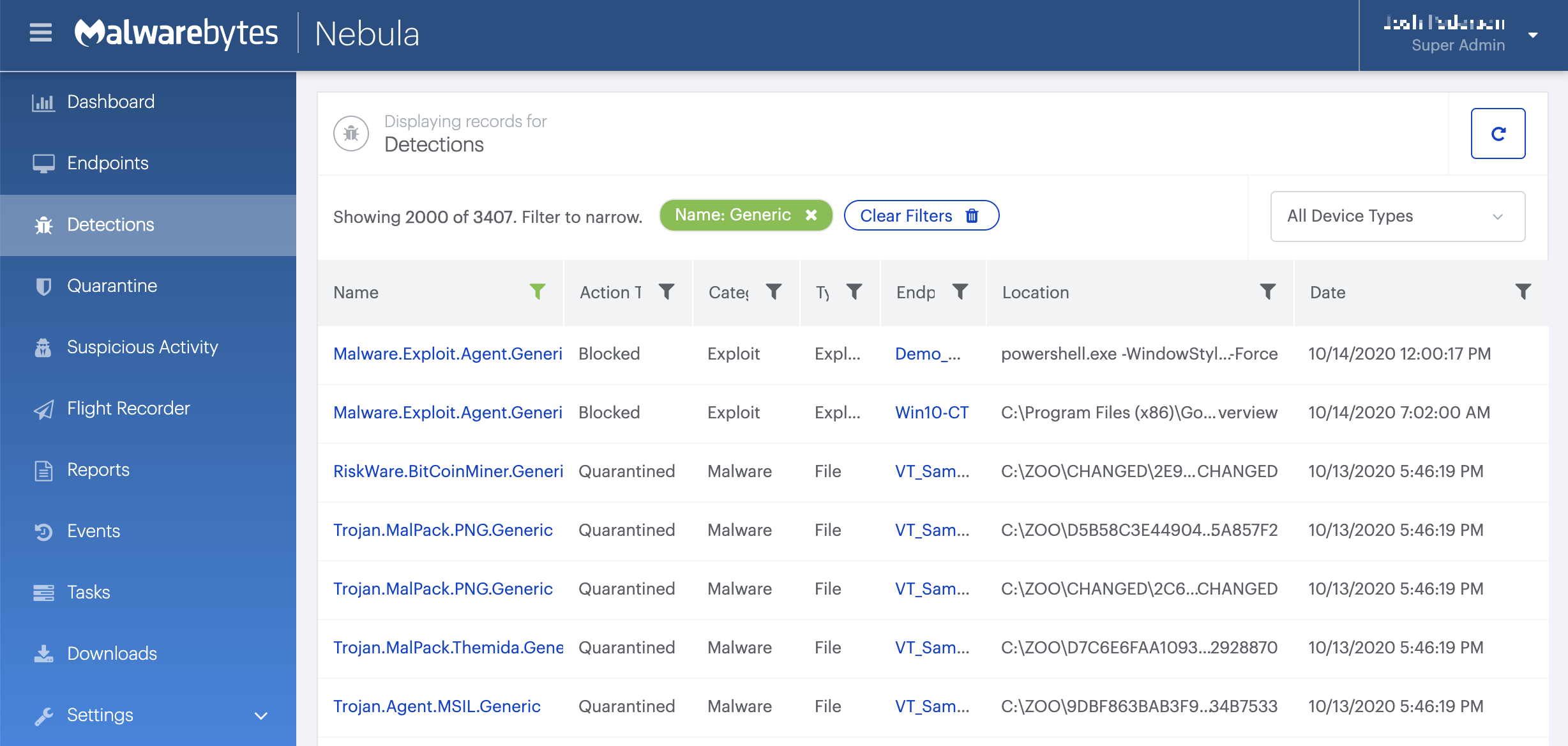
Choose the Scan + Quarantine option. Afterwards you can check the Detections page to see which threats were found.
On the Quarantine page you can see which threats were quarantined and restore them if necessary.



