Best mobile security apps [2026 comparison]
This guide below reviews mobile security apps to keep your device safe from scams, phishing, cyber attacks and spyware.
Key takeaways:
- As more of our life moves onto our phones, scammers follow: slipping fake delivery texts, sketchy links, and lookalike alerts into the same stream as perfectly normal notifications.
- This guide walks you through some of the best mobile security apps, explains what sets them apart, and shows you what to look for if you want protection that actually works in real time.
- Malwarebytes Mobile Security offers comprehensive protection against modern threats, as well as helps you protect your online privacy, identity and more.
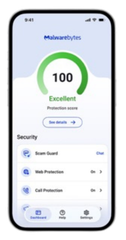
Mobile protection, anywhere, anytime.
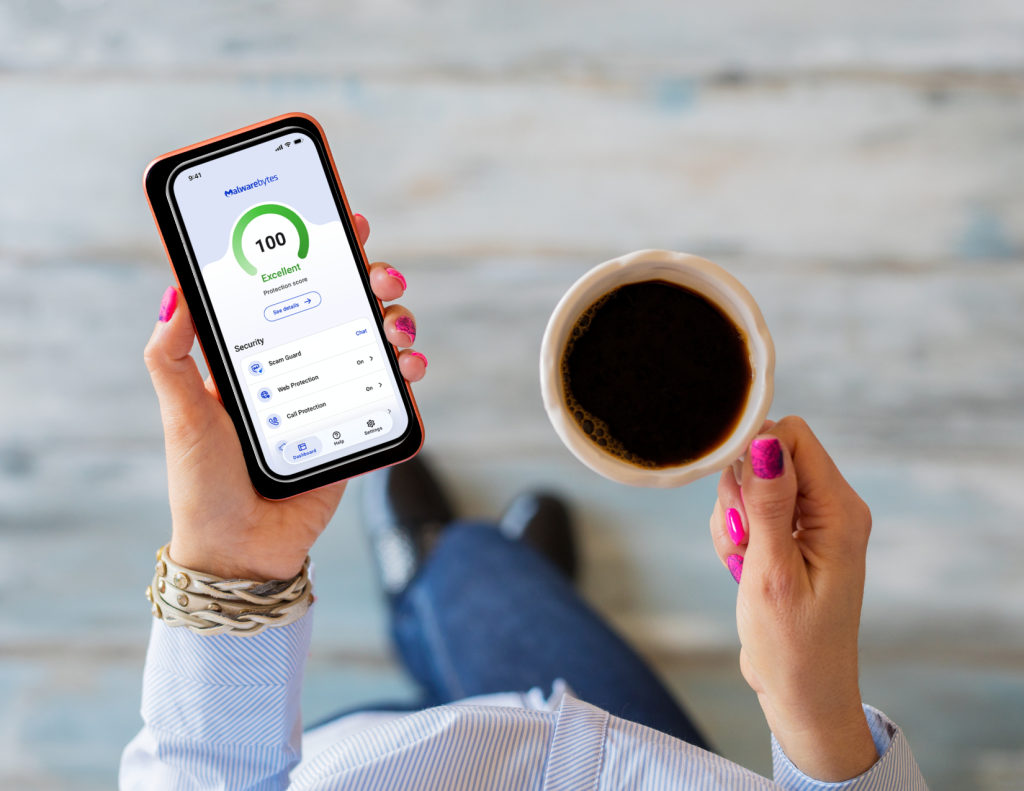
Phones keep us connected to family, help us manage money, let us shop, and handle the day-to-day stuff. However, as more of life moves onto our phones, scammers follow: slipping fake delivery texts, sketchy links, and lookalike alerts into the same stream as perfectly normal notifications.
Here’s the good news: you can stop most mobile threats early. With 44% of people encountering a mobile scam every single day, the opportunities to make one wrong tap add up quickly. In 2024 alone, consumers reported losing $470 million to scams that started with text messages, according to the Federal Trade Commission (FTC). Mobile security apps can cut that risk by blocking unsafe links, flagging risky apps, and warning you before a small problem turns into a bigger one.
This guide walks you through some of the best mobile security apps, explains what sets them apart, and shows you what to look for if you want protection that actually works in real time.
Best mobile security apps at a glance
| App | Best for | Trusted advisor with personalized protection score | Malware scanning, scam and phishing detection | Identity protection and privacy VPN | Scam detection |
| Malwarebytes | Real-time protection, advanced threat scanning, privacy VPN and superior remediation. Includes AI-powered Scam Guard with scam detection and protection against phishing and social engineering tricks. | Yes | Yes | Yes | Yes |
| Avast | Basic Android-focused malware protection | No | Limited | Limited | Limited |
| Bitdefender | Malware detection with low battery impact | No | Yes | Yes | Yes |
| Norton | Bundled security with identity monitoring | No | Yes | Yes | Yes |
| Surfshark | VPN-based privacy protection | No | No | Yes | Limited |
| Avira | Lightweight security with privacy tools | No | Limited | Limited | Limited |
| Aura | Identity theft protection | No | Limited | Yes | Limited |
The rising importance of mobile security
Today’s mobile threats don’t need to “hack” your phone. They succeed by looking ordinary—an everyday text, a familiar notification—and nudging you to tap before you’ve had time to think. Here are some trends driving that shift:
- The impact often shows up after the attack: While some attacks result in financial loss, many cause disruption in other ways. The FTC reports that people frequently spend time resetting passwords, securing accounts, and monitoring for identity misuse, even when no money is stolen.
- Mobile attacks rely on speed and distraction: Scam texts and malicious links are designed to be acted on quickly, not carefully. Studies from Pew Research Center shows that 73% of US adults have experienced at least one online scam or digital attack, reflecting how common these split-second encounters have become.
- Manual judgment doesn’t scale to daily volume: Volume makes manual judgment unrealistic. Many people now receive suspicious emails, texts, or calls weekly or even daily, according to Pew Research Center. When messages arrive constantly, stopping to analyze every interaction becomes impractical. Mobile security tools help by flagging risky links, apps, and behavior automatically.
- Deceptive content has become harder to spot on mobile screens: AI can help scammers create convincing messages, fake websites, deepfake videos, and voice impersonations that look or sound legitimate. In fact, 85% of people now say it’s hard to tell a scam from the real thing, up from 66% last year. That makes it increasingly difficult to rely on visual cues or gut instinct alone, especially on smaller mobile screens.
- AI-powered scams are already reaching everyday users: Half of people surveyed by Malwarebytes said they’ve encountered some form of AI-driven fraud or scam, from misleading AI-generated product images to highly personalized scam messages. As these tactics spread across texts, social media, calls, and websites, mobile security increasingly needs to account for threats that look and sound legitimate.
Mobile security is no longer just about detecting malware. It now plays a role in managing everyday risks tied to messages, links, and app activity.
Mobile security apps for Androids vs iPhones
Android and iPhone users both face mobile security risks, but mobile security apps often offer more features on Android. Why? Android’s more open design supports more ways to install apps, manage files, and interact with links across different apps. That flexibility is a strength…but it also means there are more places where risky downloads, lookalike apps, and other threats can show up. On Android, many security tools can scan apps, detect malware, and block harmful behavior more directly.
iPhones take a more locked-down approach at the system level, which helps limit certain kinds of traditional malware. But iPhone users still deal with the threats that show up every day: scam texts, phishing links, and fake websites. And because Apple restricts how much third-party apps can monitor or control—including the capability to scan for malware and dangerous software directly on a device—iPhone security apps focus on safe browsing, link checks, and scam warnings.
So, if you’re comparing apps across platforms, expect broader “under-the-hood” protection on Android—and more “watch what you tap” protection on iPhone.
Best mobile security apps
To build this list, we compared each app using:
- Independent third-party evaluations: We reviewed results and writeups from reputable testing labs and security reviewers that measure things like malware detection, phishing protection, false positives, and overall reliability. When multiple sources disagreed, we prioritized the most transparent and repeatable testing methods.
- Official product documentation: We checked vendor documentation and product pages to confirm platform support (Android vs iOS), feature availability, and limitations.
- Real user feedback at scale: We read user reviews and support forum patterns to understand day-to-day performance: battery impact, intrusive notifications, confusing upsells, missed detections, and whether protections actually work when people need them (like blocking risky links in messages or flagging suspicious apps).
- Practical “family use” criteria: Because most people aren’t running a security lab at home, we weighed apps on what matters in everyday life with clear warnings, easy setup, low friction, and protections that work quietly in the background.
Let’s take a look.
Rated 1: Malwarebytes: Best for iPhone and Android phishing protection and real-time scam message detection

Malwarebytes is an award-winning cybersecurity and antivirus software, earning recognition including PCMag Best Brands 2026, AVLab Product of the Year 2026, and Best of CNET 2026. It offers security for real life on a real phone, where “threats” usually arrive as a text, a link, or a too-convincing website, not a movie-style hack.
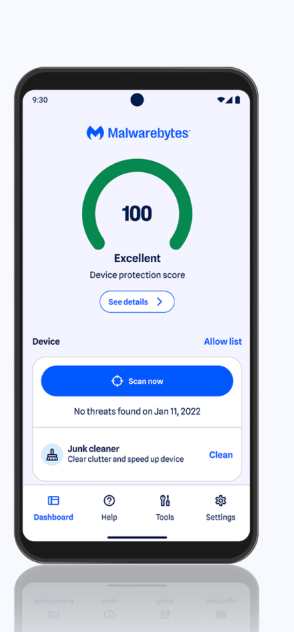
Malwarebytes Mobile Security helps you catch the stuff you’re most likely to run into day to day: scam texts, phishing links, malicious websites, and deceptive messages that show up in the middle of your normal notifications. Its AI-powered Scam Guard also lets you submit suspicious texts, emails, links, phone numbers, or screenshots and get real-time scam detection.
On Android, it can also provide stronger on-device protection (like malware scanning) because Android allows security apps more visibility. On iPhone, Malwarebytes leans into what iOS apps can do well—like blocking known malicious websites and filtering scammy calls and texts—so you get warnings before you tap into trouble.
In addition to scam and phishing detection, Malwarebytes offers identity protection and personal data removal as part of certain plans (so you can monitor for exposure and reduce how often your information ends up on people-search and data broker sites).
Key specs and features
- Operating systems: Android and iOS
- Supported devices: Android phones/tablets, iPhones/iPads
- Real-time scam and phishing protection: Blocks suspicious texts, links, and websites before interaction
- Malware and app threat detection: Scans for harmful apps and unsafe behavior (Only available on Android due to iOS access restrictions)
- Safe web browsing: Warns before landing on known malicious or fake sites
- Identity monitoring and recovery support: Alerts users if personal information is exposed and provides guidance if misuse occurs
- Personal data removal: Helps identify data broker sites that collect and sell personal information and provides guidance for removal
Exact features vary by operating system and subscription plan.
Pros:
- Runs without slowing down phones, even while background protection is active
- Offers clear, easy-to-understand alerts that explain why something is risky instead of just blocking it
- Features a simple setup and navigation, making it approachable for non-technical users
- Works reliably across both Android and iPhone, with a consistent experience across devices
- Requires minimal user effort once enabled
Cons:
- Limits certain features on iPhone due to iOS restrictions
Pricing:
- Standard: 59.99/yr
- Plus: 79.99/yr
- Ultimate: 139.99/yr
Malwarebytes continues to earn industry recognition for its cybersecurity protection and customer satisfaction. In 2025, it received multiple honors from PCMag, CNET, and the AVLab Cybersecurity Foundation, including PCMag Readers’ Choice Awards, CNET’s Best Overall Antivirus Protection, a 100% in-the-wild malware blocking score, Product of the Year, and recognition for Top Remediation Time. In 2026, PCMag also recognized Malwarebytes among its Best Tech Brands, where it earned the highest Net Promoter Score (NPS) of any brand evaluated.
Rated 2: Avast Mobile Security: Best for Android malware protection and anti-theft

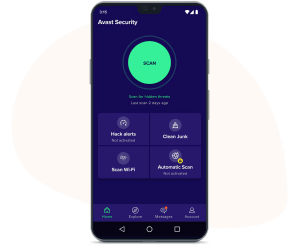
Avast Mobile Security provides core antivirus protection for Android devices, focusing on scanning apps and files to detect known malware. It’s primarily designed for Android users who want traditional malware detection rather than real-time scam or phishing protection.
The platform offers device safety tools including anti-theft features, app locking, and permission checks. These help users locate lost devices, restrict access to certain apps, and review how apps use personal data.
Key features
- Operating systems: Android and iOS
- Supported devices: Android phones and tablets, with some protection on iPhone and iPad
- Malware and app scanning: Scans installed apps and files for known malware
- Anti-theft tools: Supports remote device locking, tracking, and data wiping
- App lock: Restricts access to selected apps using a PIN or biometric lock
- Privacy and permission checks: Shows which apps can access sensitive data
Pros:
- Provides reliable detection of known Android malware through app and file scanning
- Receives regular security updates to keep malware definitions current
- Works well for users who want straightforward, traditional antivirus protection
- Offers a free tier for basic Android security needs
Cons:
- Focuses primarily on malware detection rather than real-time scam or phishing analysis
- Some privacy and advanced security features are available only with paid plans
- Alerts tend to block threats without detailed explanations, which may feel limiting for users who want more context
Pricing:
- Free Antivirus: $0
- Premium Security: $77.99/yr
- Ultimate: $109.99/yr
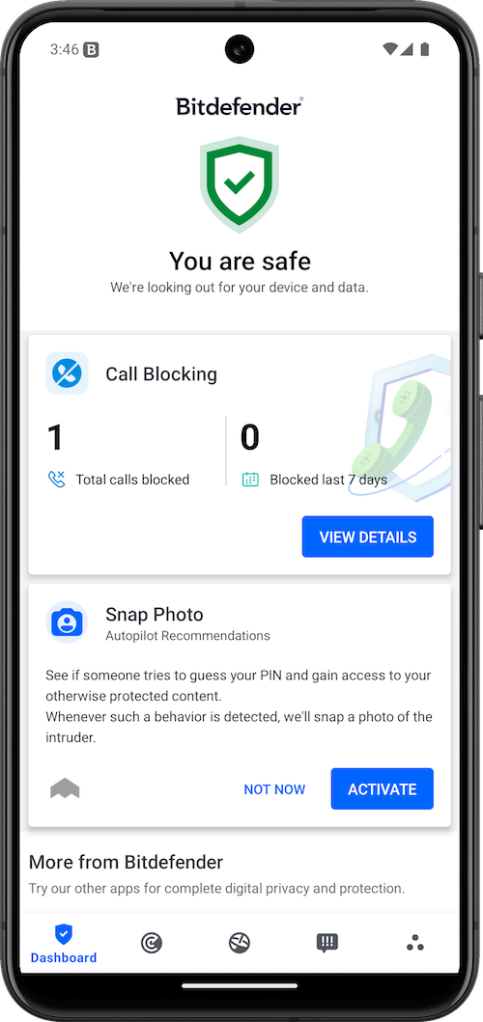
Rated 3: Bitdefender Mobile Security: Best for battery-light antivirus protection

Bitdefender Mobile Security offers antivirus protection for mobile devices, with a strong emphasis on detecting malware and protecting personal data.
On Android, it scans apps and files for known threats, blocks malicious links, and monitors for suspicious behavior without significantly impacting device performance. On iPhones, Bitdefender takes a different approach due to iOS restrictions. Instead of deep malware scanning, it provides web protection, data breach monitoring, privacy checks, and securing internet traffic through an included VPN.
Key features
- Operating systems: Android and iOS
- Supported devices: Android phones and tablets; iPhones and iPads
- Malware and app scanning: Detects known malware and unsafe apps on Android
- Web protection: Blocks access to malicious and phishing websites across apps
- Scam and spam call alerts: Flags suspicious calls and links
- Anti-theft tools: Supports remote device location, locking, and wiping
- Account privacy monitoring: Checks whether email accounts appear in known data breaches
- Built-in VPN: Encrypts internet traffic to prevent eavesdropping on public Wi-Fi
Pros:
- Runs with minimal impact on battery life and overall device performance
- Updates threat definitions frequently to stay current with known malware
- Delivers a stable, consistent experience with few reported reliability issues
Cons:
- Centers on malware and web protection rather than real-time scam text analysis
- Provides little context when blocking threats
Pricing:
- Bitdefender Total Security: $109.99/yr
- Bitdefender Premium Security: $129.99/yr
- Bitdefender Ultimate Security: $159.99/yr
- Bitdefender Ultimate Security Plus: $189.99/yr
- Bitdefender Ultimate Security Plus Extended: $249.99/yr
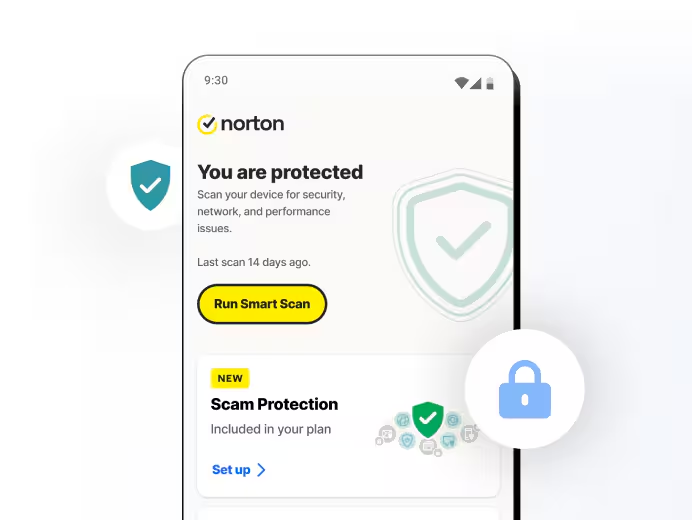
Rated 4: Norton 360 (Mobile Security): Best for bundled mobile security with identity and privacy tools

Norton 360 Mobile Security focuses on combining mobile protection with identity and privacy monitoring. Rather than specializing in malware detection alone, Norton emphasizes securing web activity, monitoring personal information, and protecting users on public Wi-Fi.
On Android, the platform includes malware scanning, web protection, and app risk detection. On iPhone, it focuses on blocking malicious websites, filtering scam texts, securing Wi-Fi connections, and monitoring identity exposure.
Key features
- Operating systems: Android and iOS
- Supported devices: Android phones and tablets; iPhones and iPads
- Web and phishing protection: Warns before visiting malicious or fraudulent websites
- SMS scam filtering: Flags suspicious text messages and links (Android; limited on iOS)
- Malware and app scanning: Detects malicious apps and unsafe behavior (Android)
- Secure VPN: Encrypts internet traffic to obscure activity on public Wi-Fi networks
- Identity monitoring: Alerts users if personal information appears in known data breaches
- WiFi security alerts: Notifies users when connecting to unsafe networks
Pros:
- Performs consistently in independent malware detection testing on Android
- Offers clear alerts and status updates that are easy to understand
- Integrates well for users already using Norton on desktop or across multiple devices
Cons:
- Focuses more on bundled protection than deep app-level malware controls
- Offers fewer real-time scam message protections than other apps
Pricing: $29.99/yr
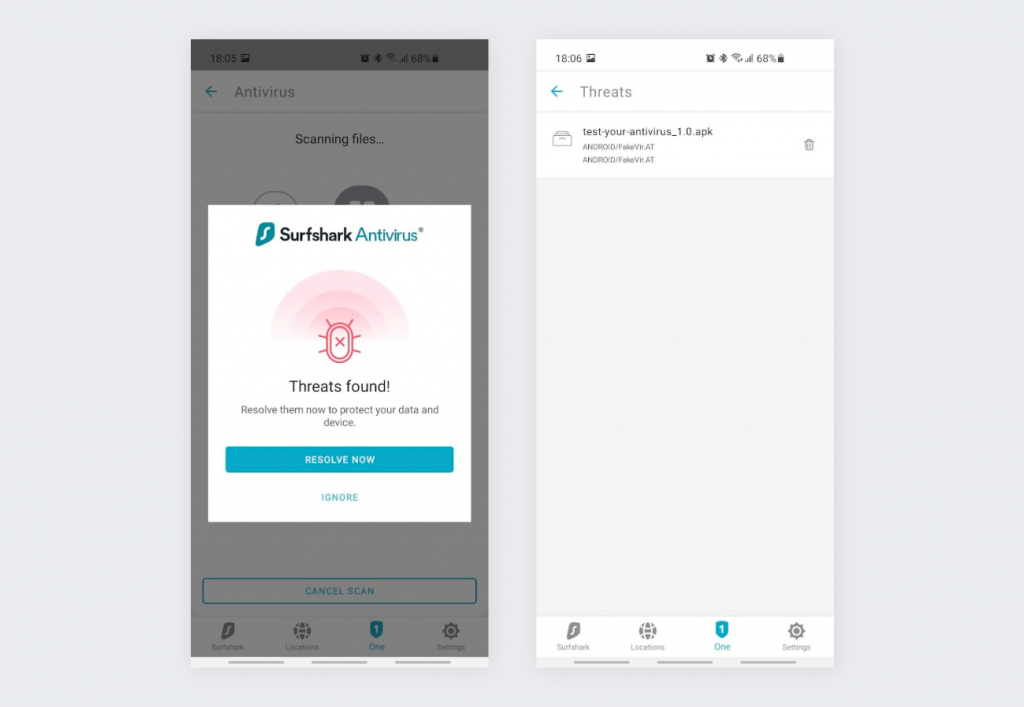
Rated 5: Surfshark: Best for mobile VPN privacy

Surfshark Mobile Security is built around privacy first, with its core protection coming from a VPN that encrypts mobile internet traffic. Rather than focusing on malware detection, Surfshark emphasizes hiding online activity, securing connections on public WiFi, and limiting tracking while browsing or using apps.
On both Android and iPhone, Surfshark centers on VPN protection, data breach alerts, and basic web safety features. Its mobile security tools reduce exposure while browsing or using public networks.
Key features
- Operating systems: Android and iOS
- Supported devices: Android phones/tablets; iPhones/iPads
- VPN protection: Encrypts internet traffic and hides IP addresses on mobile networks
- Public WiFi security: Protects data on unsecured or shared networks
- Data breach alerts: Notifies users if associated emails appear in known breaches
- Ad and tracker blocking: Reduces ads and tracking during browsing
- Web protection: Warns about known malicious websites
Pros:
- Delivers stable, consistent VPN performance on mobile devices
- Allows unlimited devices per account, which works well for households
- Includes built-in ad and tracker blocking for a cleaner browsing experience
- Provides strong privacy protection on public and shared Wi-Fi networks
Cons:
- Requires the VPN to be active for most protections to be in effect
- Best suited for web-based protection needs rather than scam or phishing message analysis
Pricing:
- Starter: $16.45/mo
- One: $18.95/mo
- One+: $21.85/mo
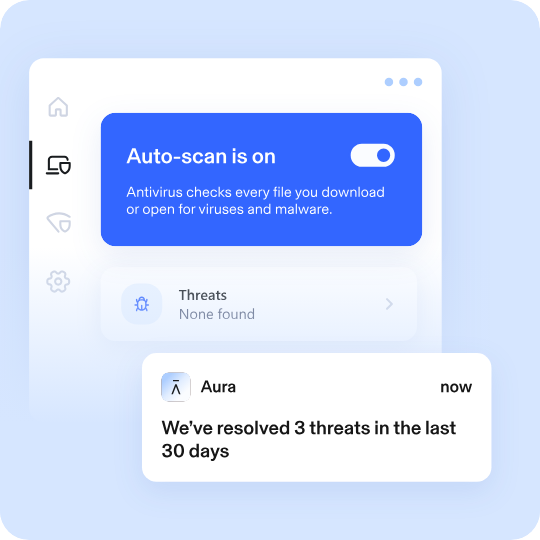
Rated 6: Aura: Best for identity theft protection with mobile security monitoring

Aura centers on identity and fraud protection, with tools designed to monitor your personal info and alert you to signs of misuse. On both Android and iPhone, Aura includes identity monitoring, credit and account alerts (plan-dependent), a password manager, and VPN-based privacy protection.
On Android, Aura also includes classic antivirus protection. On iPhone, Apple’s system restrictions mean traditional antivirus scanning isn’t available, so protection focuses on privacy and identity features.
Key features
- Operating systems: Android and iOS
- Supported devices: Android phones/tablets; iPhones/iPads
- Identity monitoring: Tracks personal information, SSNs, and financial data for signs of misuse
- Credit monitoring: Provides alerts tied to major credit bureaus (plan dependent)
- Fraud alerts: Notifies users of suspicious account or identity activity
- Built-in VPN: Encrypts internet traffic on public and private networks
- Password manager: Helps store and manage login credentials securely
- Family protection options: Supports identity monitoring for multiple household members (plan dependent)
Pros:
- Combines identity monitoring and mobile security into a single service
- Provides alerts for potential identity or financial misuse
- Requires minimal setup to begin monitoring
- Supports family and household protection options through higher-tier plans
Cons:
- Is positioned as a premium service compared to standalone mobile security apps
- Offers less visibility into app-level or message-based mobile threats
Pricing:
- Kids: $13/mo
- Individual: $15/mo
- Couple: $29/mo
- Family: $50/mo
Rated 7: Avira: Best for lightweight mobile protection with privacy tools

Avira Mobile Security provides lightweight protection that combines basic threat detection with privacy tools. It scans apps for known risks, blocks unsafe websites, and helps users manage privacy settings without a heavy performance impact.
Avira includes malware scanning, app permission insights, and theft protection tools on Androids. On iPhones, it centers on web protection, identity exposure alerts, and VPN-based privacy features.
Key features
- Operating systems: Android and iOS
- Supported devices: Android phones and tablets; iPhones and iPads
- Malware and app scanning: Detects known malicious apps
- Web protection: Warns before visiting unsafe or fraudulent websites
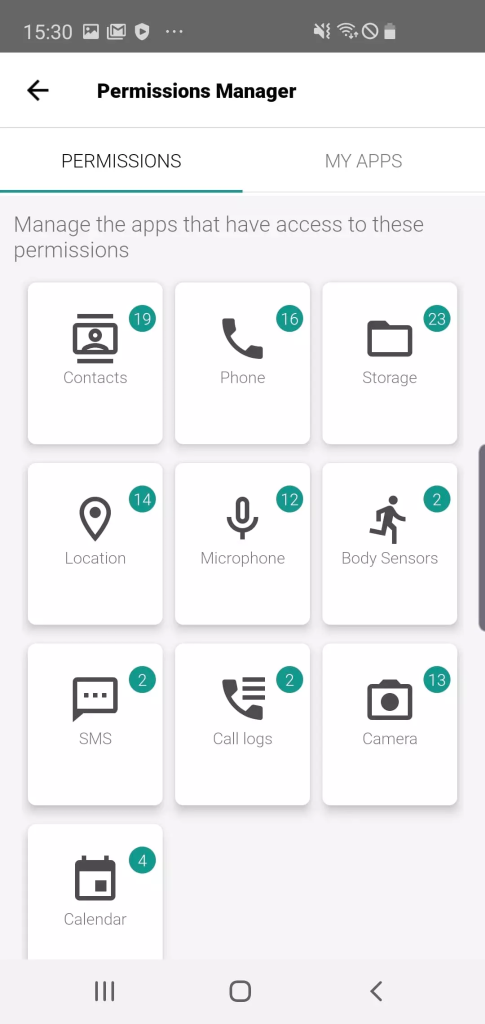
- App privacy insights: Shows which apps access sensitive permissions
- Anti-theft tools: Supports device tracking and remote locking
- Built-in VPN: Encrypts internet traffic
- Identity breach alerts: Notifies users if linked accounts appear in known data breaches
Pros:
- Offers a free tier that covers basic mobile security and privacy needs
- Provides clear insights into app permissions and data access
- Runs lightly in the background with minimal impact on performance
- Keeps setup and day-to-day use simple and approachable
Cons:
- Focuses on lighter protection rather than advanced, real-time threat prevention
- Designed more for periodic checks than continuous threat monitoring
- Includes VPN access with usage limits
Pricing: Free
Choose the right mobile security app for all-in-one protection
The best mobile security doesn’t make you feel paranoid. It helps you feel in control. When a random text, link, or app pops up out of nowhere, you shouldn’t have to play detective. Clear, timely warnings make it easier to keep moving without second-guessing every tap.
The “best” mobile security app really depends on what you care about most, like real-time scam protection, safer browsing, identity tools, device performance, or a simpler setup for the whole family.
Malwarebytes is built for those everyday moments. With real-time scam and phishing protection and broader mobile security coverage, it helps you quickly sort what’s safe, what needs a closer look, and what to skip entirely. That way, you can use your phone the way it’s meant to be used: confidently.
Explore Malwarebytes Mobile Security
Mobile protection, anywhere, anytime.
DISCLAIMER: This article is published by Malwarebytes and is promotional in nature. The presented comparisons are based on the independent public sources and information available across the mentioned brands’ official websites. Pricing, features and details are subject to availability by region. You are encouraged to conduct your own research before making any purchasing decisions.
Frequently asked questions about mobile security apps
What is the best mobile phone security?
Do I really need a mobile security app?
Is built-in mobile security protection enough?
All-in-one cybersecurity protection always by your side.