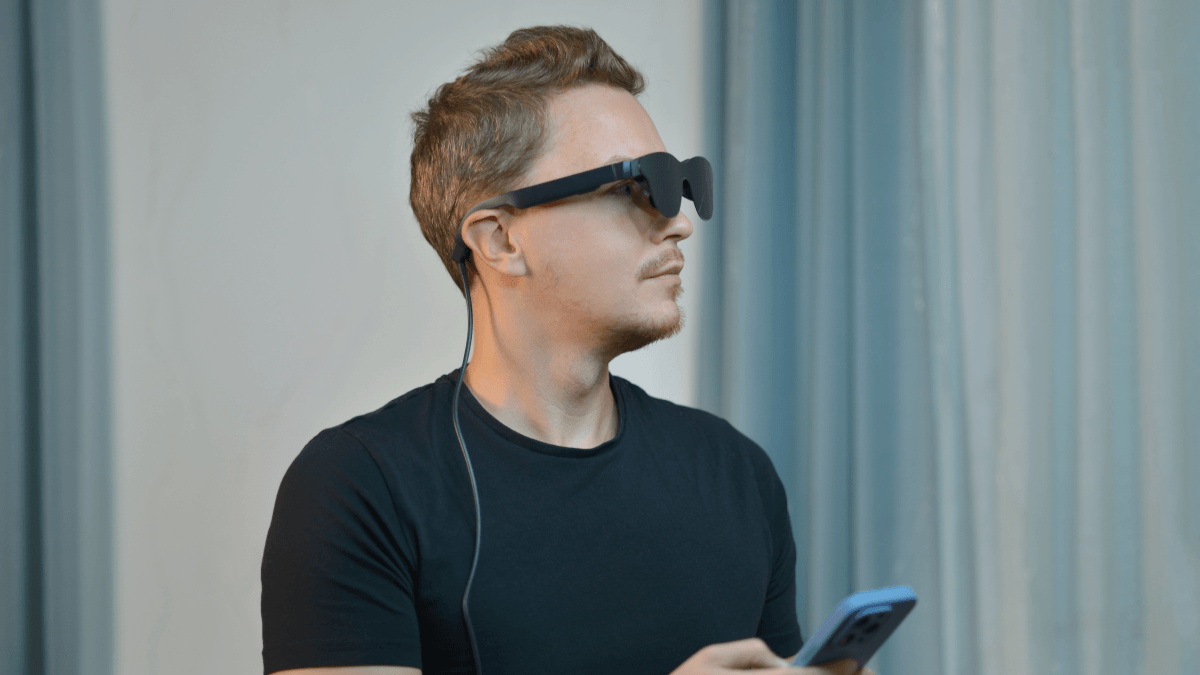
Meta’s smart glasses are once again at the center of a privacy debate due to face recognition.
WIRED reports that Meta had quietly embedded unreleased face-recognition code, internally called “NameTag,” into its Meta AI companion app, which powers the company’s smart glasses. The code was not active, but its presence in an app installed on more than 50 million devices raised immediate concerns about how quickly using smart glasses could slide into biometric surveillance.
Face recognition in glasses, even if disabled or unreleased, is especially sensitive because it can identify people at a distance, in real time, and without their consent. Many organizations have warned that this technology could be misused by stalkers, abusers, and others who want to identify people in public without drawing attention.
Gizmodo reports on a proposed Pennsylvania bill that would require smart glasses and similar wearable recording devices to include a visible indicator light when they are capturing audio or video. The bill would also prohibit users from disabling that indicator, a move clearly aimed at reducing covert recording in public spaces.
Most smart glasses already include such an indicator, but reporters noted that some users have been paying others to have them removed or disabled. The proposal is interesting because it tries to solve a hardware-level trust problem with a visible signal. But a visible light only helps if it is both mandatory and difficult to bypass, and history suggests that any visible privacy safeguard becomes a target for tampering when the incentives are high enough.
These two stories are really about the same issue: smart glasses are normalizing the use of always-on cameras, microphones, and AI features in a form that is much easier to conceal than a phone. That creates an unwanted privacy problem for people around the wearer.
Smart glasses are supposed to make computing more seamless. Instead, they are becoming a test case for what happens when cameras, microphones, AI, and biometric features are squeezed into everyday wearables before the privacy rules catch up.
From our point of view, smart glasses sit at the intersection of consumer privacy, surveillance tech, and potential abuse. The risk is not just that a device records audio or video. AI-enabled wearables can process what they see, deduce identities, and potentially store biometric data in ways that ordinary users and bystanders can’t easily detect.
We’d rather err on the side of caution and use an app that can detect when smart glasses are nearby. Unfortunately, it only detects some devices, and we don’t yet know how well it will perform if smart glasses become more common.
As noted by 404 Media, the app is an imperfect, tech-based response to a social and legal problem: it can misfire, it can’t tell you who is being recorded, and it risks giving a false sense of safety. The developer frames it not as a solution but as a small, user-controlled countermeasure in an environment where surveillance devices are becoming less visible and more AI-enabled.
Don’t get recognized
If facial recognition features ever become common in smart glasses, much of their effectiveness will depend on how much information about you is already available online. There are a few steps you can take today to reduce your visibility in facial recognition systems and people-search databases.
A major factor is limiting who can see the photographs you post on social media and other online platforms. But there is more you can do:
Remove yourself from reverse face search engines
The major, most accurate reverse face search engines, Pimeyes and Facecheck.id, offer opt-out and removal processes that can help reduce your visibility in search results:
- How to remove your images from Pimeyes search results
- How to delete your photos from FaceCheck.ID search engine
Remove yourself from people search engines
Most people don’t realize how much information can be found from a name alone. People-search sites often aggregate home addresses, phone numbers, ages, and relatives from public records and commercial databases.
The New York Times has compiled a useful guide to many of the major people-search sites, along with instructions for opting out and removing your information.
Scrub your data
If you’re in the US, you can also use Malwarebytes Personal Data Remover to help find and remove personal information that data broker sites have collected about you.