Trojan.Script

Short bio
Trojan.Script is Malwarebytes generic detection name for files that are malicious scripts or executables that run files of that nature. In the first case the detection name will usually be followed by a name that tells users the type of script.
Type and source of infection
Since this is a generic detection name the source can be anything. It may have reached the affected device via email, a drive‑by download, removable media, shady download sites, or another delivery method.
Aftermath
It is recommended to do a full system scan since this infection is often indicative of additional malware which mau have been dropped by Trojan.Script.
Protection
Malwarebytes products detect and block Trojan.Script.
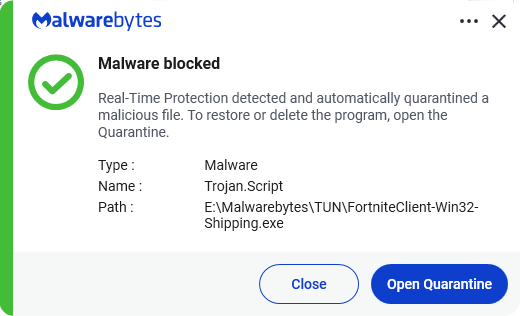
Home remediation
Malwarebytes can detect and remove PUP.Optional.OneBrowser without further user interaction.
- Please download Malwarebytes to your desktop.
- Double-click MBSetup.exe and follow the prompts to install the program.
- When your Malwarebytes for Windows installation completes, the program opens to the Welcome to Malwarebytes screen.
- Click on the Get started button.
- Click Scan to start a Threat Scan.
- Click Quarantine to remove the found threats.
- Reboot the system if prompted to complete the removal process.
Business remediation
How to remove Trojan.Script with the Malwarebytes Nebula console
You can use the Malwarebytes Anti-Malware Nebula console to scan endpoints.

Nebula endpoint tasks menu
Choose the Scan + Quarantine option. Afterwards you can check the Detections page to see which threats were found.
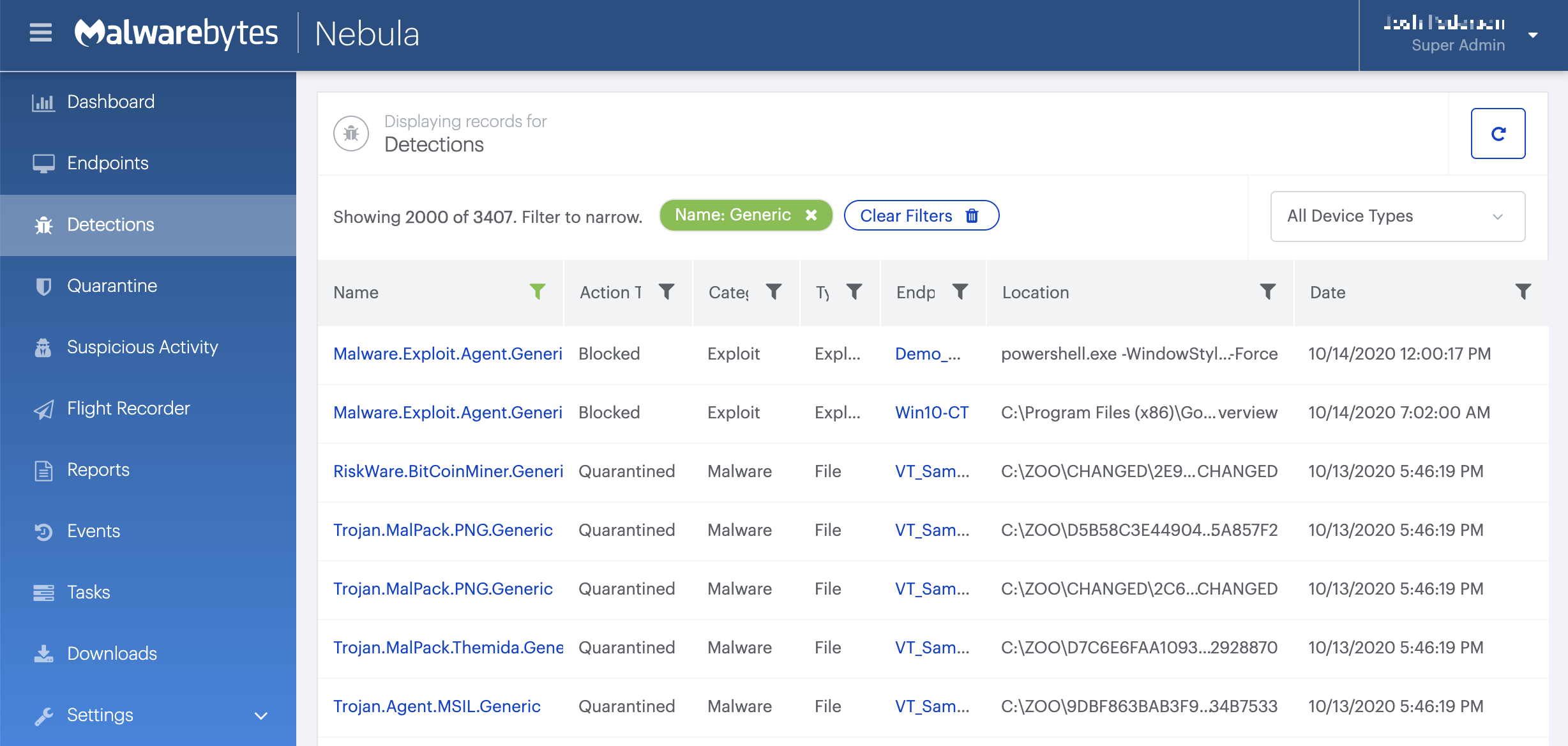
On the Quarantine page you can see which threats were quarantined and restore them if necessary.



