Malwarebytes Anti-Rootkit Scanner
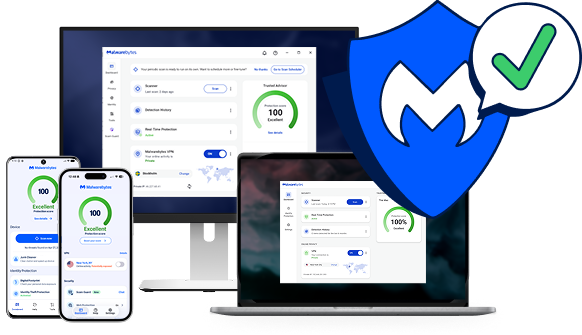
Scan for rootkits with our rootkit removal solution, or get proactive protection with Malwarebytes Premium.
Trusted by







Rootkit symptoms
Rootkits are built to stay hidden, so the signs can be easy to miss. Watch for these warning signs.

Slow computer performance
Rootkits drain memory, which results in sluggish computer performance.

Web browser redirects
You’re seeing weird web browser behavior like Google link redirects or unrecognized bookmarks.

Windows error messages
You’re getting Windows error messages (“The Blue Screen of Death”) and are constantly rebooting.

Personal information is stolen
Your credit card, Social Security number, and user passwords are stolen.

Antivirus isn’t working
Your antivirus software is suddenly deactivated.
Protect your device and data with Malwarebytes rootkit scanner
Free rootkit scanner vs. Premium protection: what do you need?
Both find and remove rootkits. The difference is whether you want to clean up after an infection or stop it before it gets in.
Malwarebytes Free
Remove a rootkit infection
Best if you think a rootkit is already on your device and want to find and remove it now.
Malwarebytes Premium · Recommended
Stop rootkits before they get in
Best if you want your devices protected all the time, not just when you scan.
How to remove rootkits
Find and remove rootkits in a few minutes with the free Malwarebytes rootkit scanner.
01
Install the rootkit scanner
Download and install the Malwarebytes software.
02
Turn on rootkit scanning
Click the Gear icon and choose the “Security” menu. Turn on the “Scan for rootkits” slider.
03
Scan and review threats
Click the “Scan” button and Malwarebytes quickly scans your device. It then reports on any threats that were found and asks if you want to remove them.
04
Remove rootkit threats
Once you give the OK, Malwarebytes will clean up rootkits and other threats so your device, files, and privacy are secure.
Scanning removes rootkits that are already on your device. To stop new ones from getting in, turn on real-time protection with Malwarebytes Premium.
Don’t take our word for it
“We use Malwarebytes on all of our company computers. Our experience is that Malwarebytes is effective and trouble free.”
“Malwarebytes provides an extra, invaluable layer protection against malicious data, and that makes me and our systems feel safer!”
“Eliminating hundreds of potential malware and trackers every week for our entire organization.”
Rootkit FAQ
What is a rootkit?
What do rootkits do?
Why is a rootkit so difficult to detect?
How do you check for rootkits?
How does Malwarebytes protect against rootkits?
Get started
Get Malwarebytes Premium for proactive protection against all kinds of malware.