A better online for
browsing
Featured in:




Online safety is more than just antivirus
Device security
The internet is filled with unsafe websites, dangerous downloads, risky clicks, and online hackers. Protect your smartphones, computers, and tablets.
Online privacy
Scammers, stalkers, and online eavesdroppers want to know everything about you. Stay hidden and private to shut them out.
Identity protection
The right data can give the wrong people access to your reputation, credit, and money. Keep your identity where it belongs—with you.
NEW!
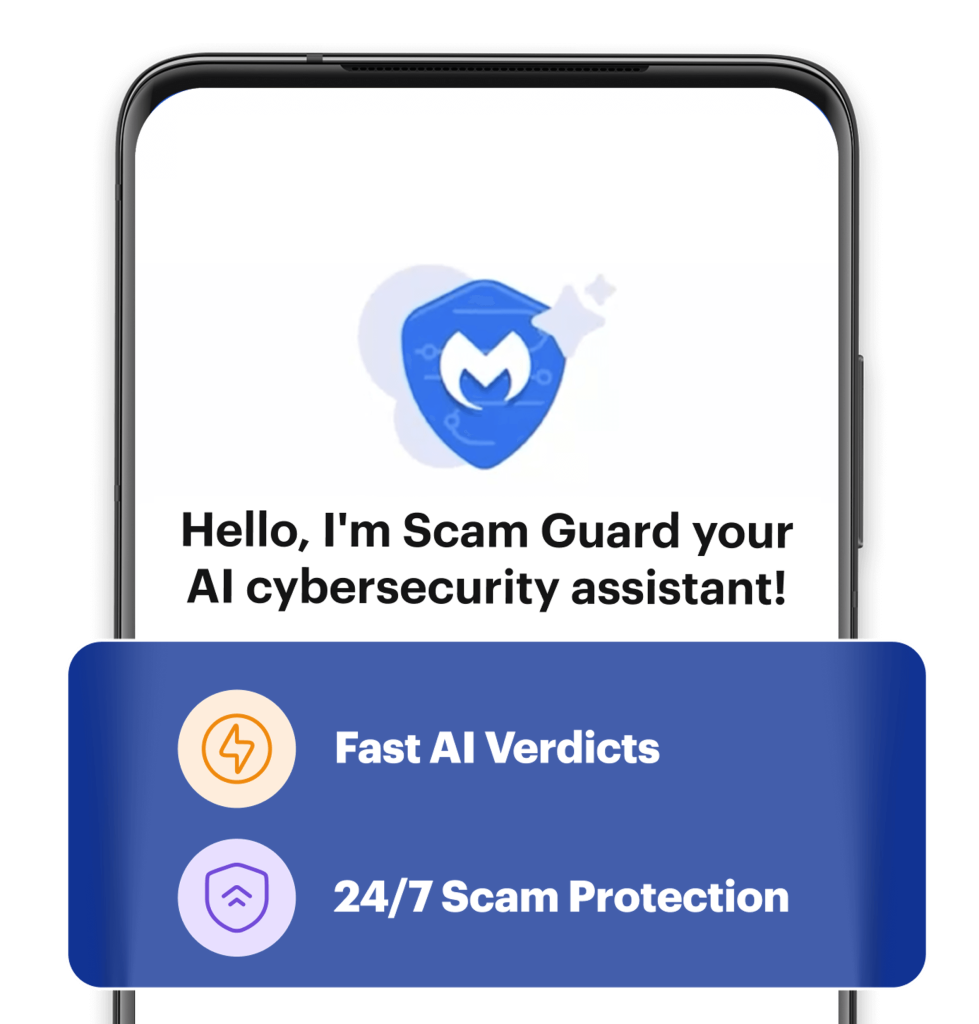
Stop scammers in their tracks.
Introducing Scam Guard your built-in AI-powered chat companion exclusively available within Malwarebytes Mobile Security. Simply upload a suspicious text, link, or screenshot for on the spot advice to help avoid scams.**


**Mobile-exclusive feature
NEW!
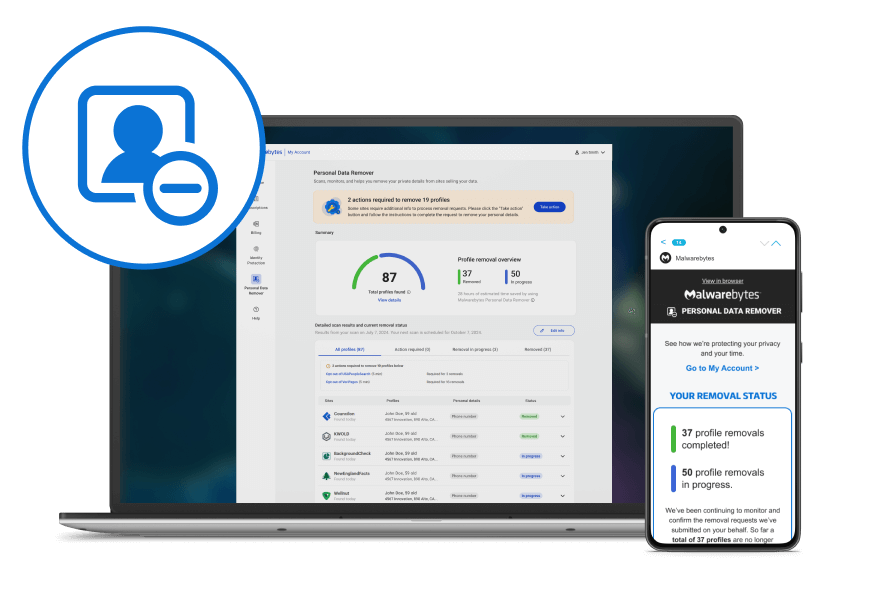
Take back control of your personal data.
Your name, age, phone number, and address can be easily found by online scammers and identity thieves. Get help deleting your publicly available data across the web with Malwarebytes Personal Data Remover***.
***Available in the US only
We catch threats that other providers miss
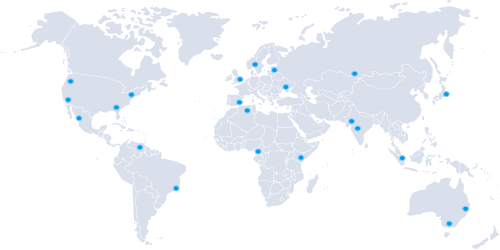
Watch our live map to see where Malwarebytes software is catching digital threats that other antivirus providers aren’t protecting their users from.

Why choose Malwarebytes?
19 years later, still the same CEO
In 2004 our founder and CEO, Marcin, accidentally downloaded multiple pieces of malware on his family computer. He set out to fix the problem and wrote the very first version of our anti-malware remediation software. Today we’re protecting all families to stop problems before they start.

Don’t just take our word for it.
reviews | avg rating
Industry loved and awarded





Expert built, expert run.
Malwarebytes experts often uncover cybercriminal activity that makes headlines.
Read about their investigations and other cybersecurity news at Malwarebytes Labs.