Scammers are creating fake crypto wallet-checking sites that promise to tell you whether a wallet is linked to suspicious activity. Instead, they try to trick you into giving them access to your crypto.
What real AML checking looks like
AML stands for anti-money laundering. These are rules that require banks and other regulated businesses to screen customers for ties to crime. It’s designed to prevent cybercriminals from hiding or moving illegally obtained money.
In the crypto world, this usually means checking whether a wallet address has links to hacks, scams, sanctioned entities, or other suspicious activity based on its transaction history.
For a basic wallet check, the service only needs the wallet’s public address. You don’t need to connect your wallet, approve anything, or sign a transaction. It’s just a lookup.
If an AML checker asks you to connect your wallet rather than simply enter its public address, treat that as a warning sign.
How the scam works
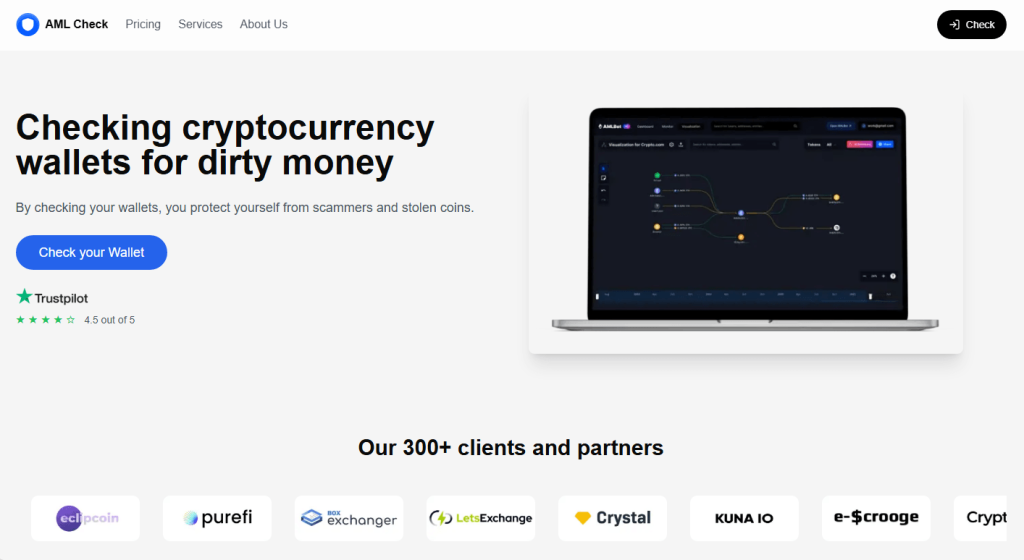
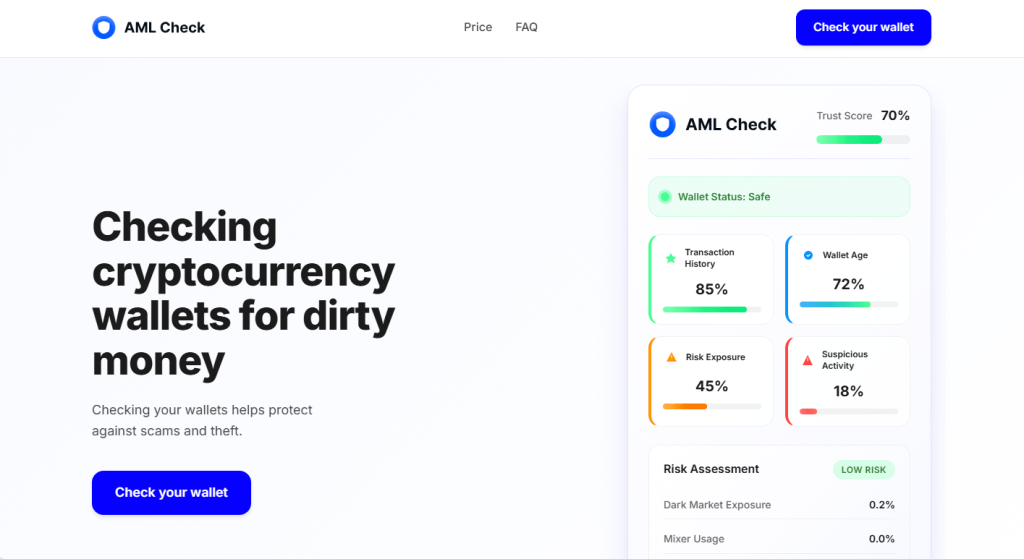
These sites look professional. Many pretend to be the legitimate service, AMLBot, or use names such as “AML Check,” copying the logo, layout, and language of legitimate wallet-screening services.
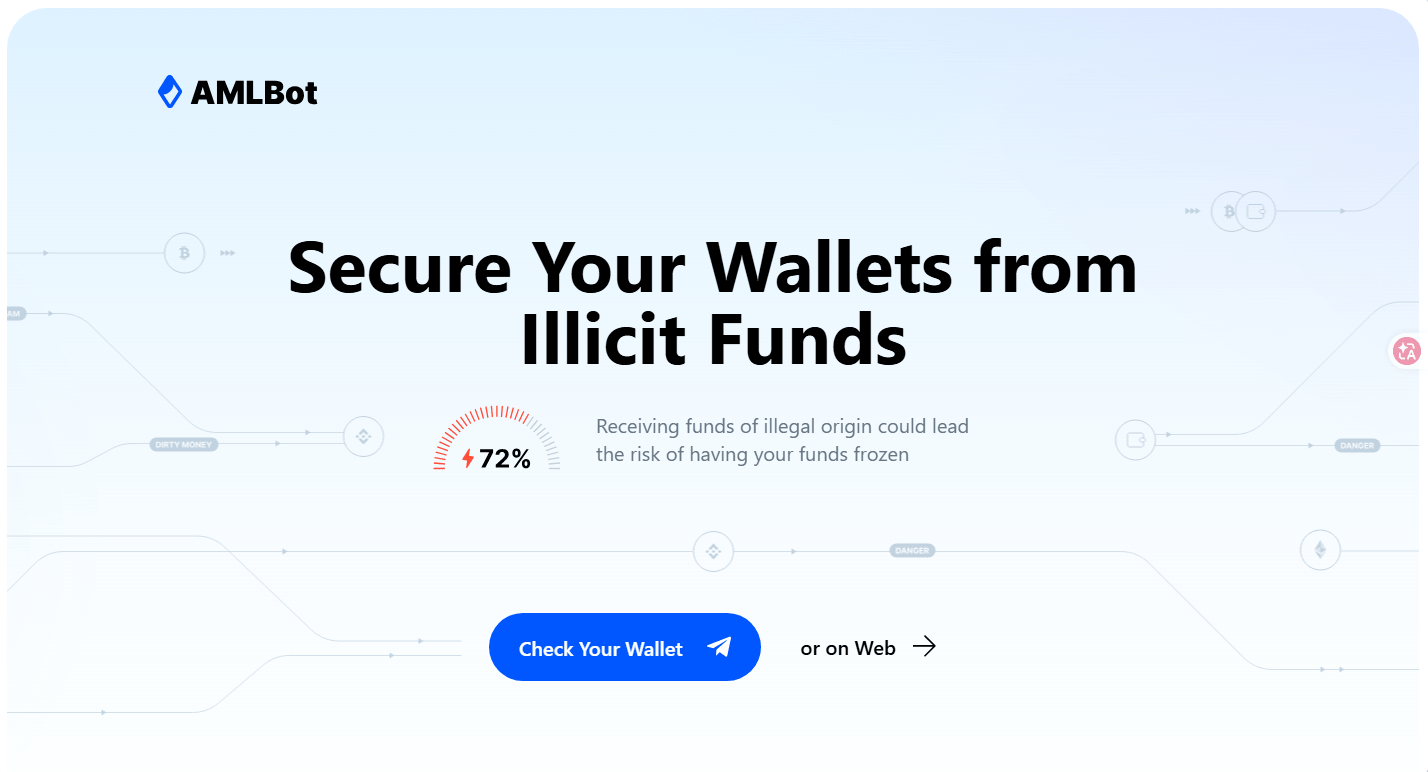
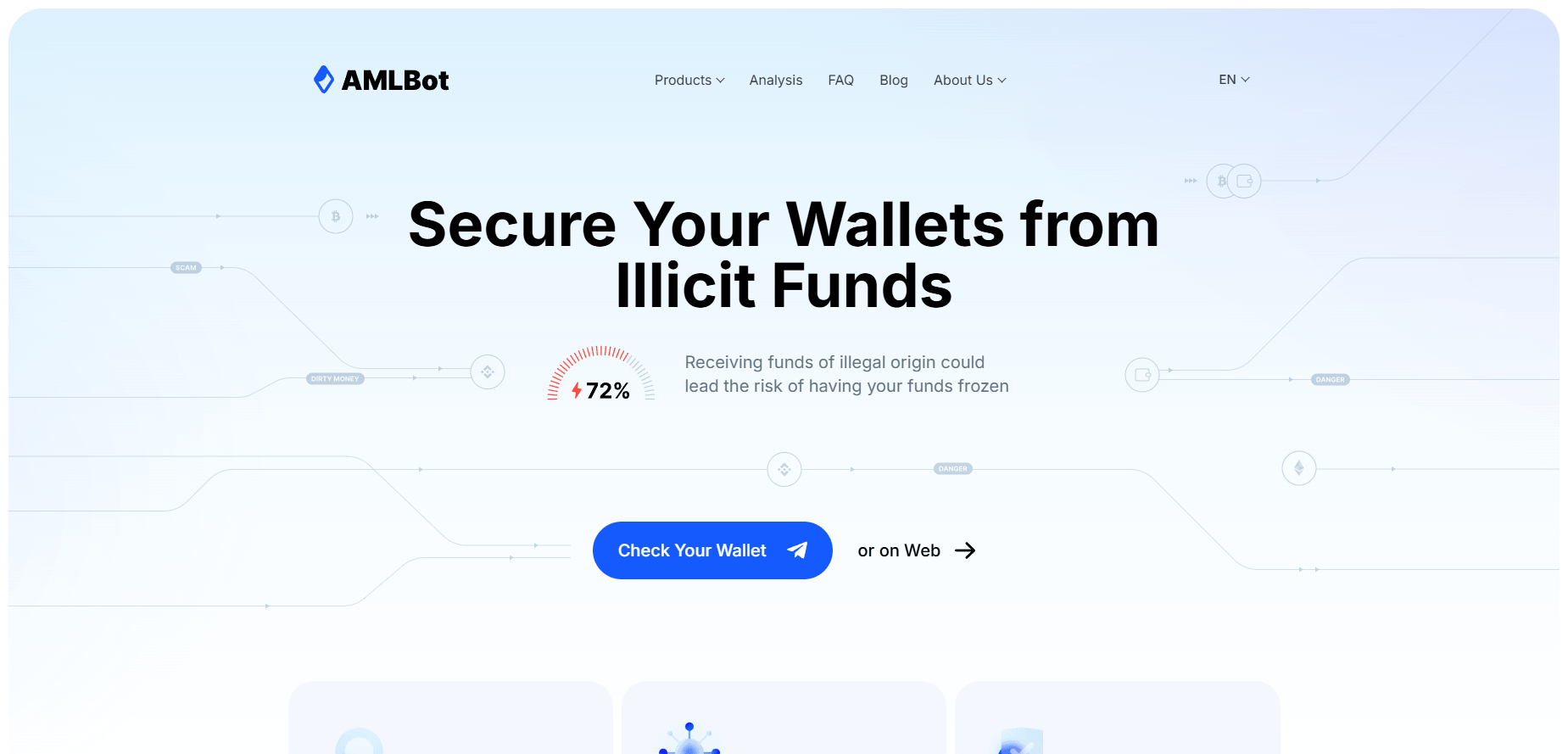
You’re invited to choose your cryptocurrency, click Check Wallet, and connect your wallet to get your results.
Connecting a wallet by itself isn’t enough to steal your crypto. It reveals your public wallet address, which the scammers use to create a transaction specifically for your wallet. That transaction is then sent to your wallet for you to approve.
The site is designed to get the victim to approve a transaction generated by the scammers. You should never approve a transaction you don’t understand or weren’t expecting.
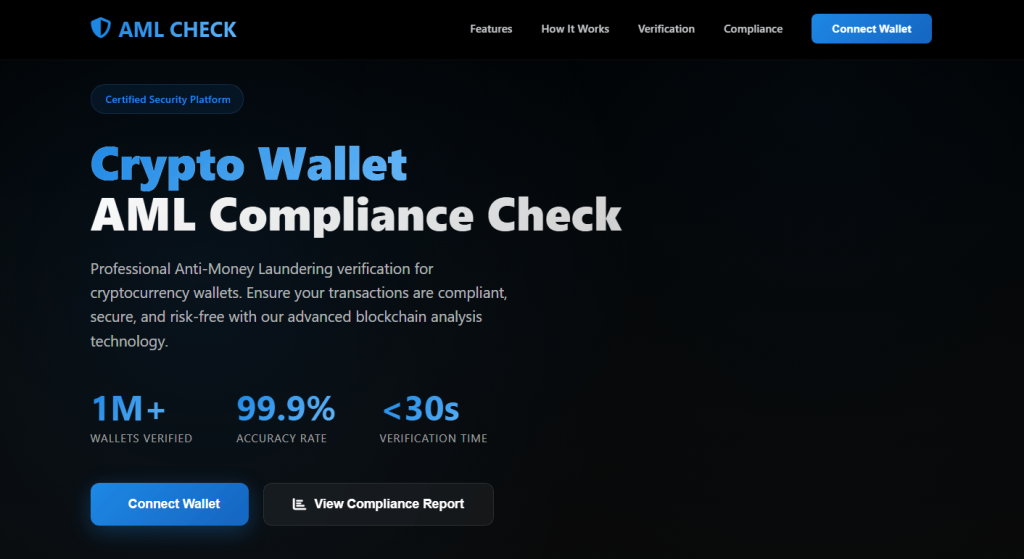
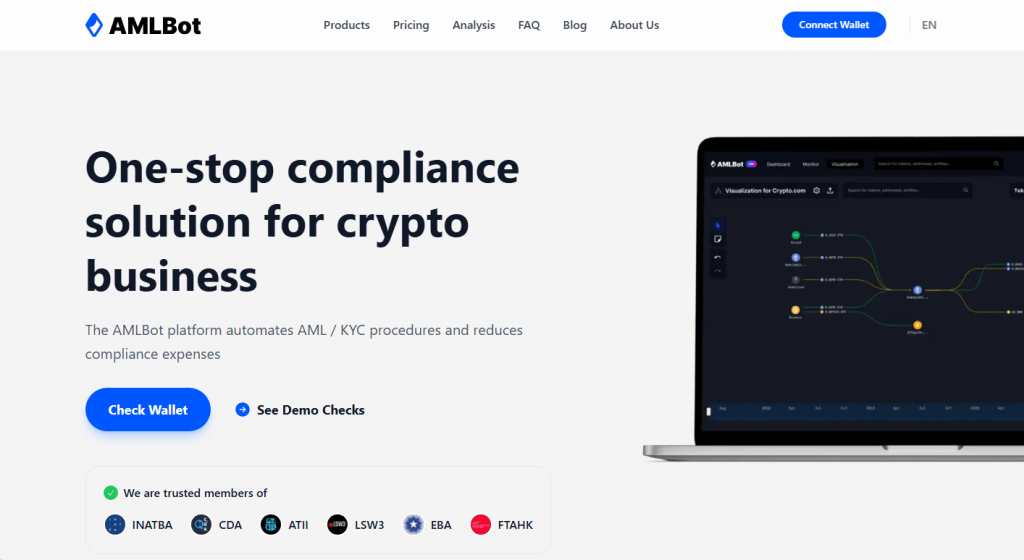
Once the site knows your public address, it can also see the assets associated with it and tailor the scam accordingly.
One version we reviewed makes the process look like a genuine security check. A progress bar displays messages such as “Checking wallet history…” and “Verifying compliance…”
Partway through, the site shows a fake error claiming the wallet needs a small top-up to “cover the fee” before the check can finish. Clicking Retry plays the same progress animation again before producing a reassuring “Clean, Low Risk” result and offering a report to download, regardless of whether a genuine check took place.
The progress bars, error messages, and final result are all designed to make the process feel legitimate.
Why the scam works
People using an AML checker are already trying to protect themselves. The scam takes advantage of that caution by making each step look like part of a normal security check.
The fake progress bar suggests that something is being analyzed. The supposed fee makes the interruption seem plausible. And the “Clean, Low Risk” result makes it appear that the check worked.
We’ve also seen the same basic design and process appear under several different names and logos, suggesting the same scam template is being reused and rebranded.
What to do if you connected a wallet
What you need to do depends on what happened.
- If you only connected your wallet: Disconnect the suspicious site from your wallet. Simply connecting shouldn’t give the site permission to move your crypto.
- If you approved access to your tokens: Check your wallet for token permissions you don’t recognize and revoke them. Your wallet provider may have an approval checker that shows which apps or smart contracts have permission to access your tokens.
- If you confirmed a transaction or signed something you didn’t understand: Check your recent wallet activity. If you think your assets may be at risk, move your remaining funds to a new wallet.
- If you entered your recovery phrase or private key: Treat the wallet as compromised and move your assets to a new wallet with a new recovery phrase.
- If you downloaded something from the site: Don’t open it. Delete it and run a malware scan.
- If you’ve already lost money: Be wary of anyone who contacts you offering to recover it for a fee. Recovery scams commonly target people who have already had crypto stolen.
Crypto transactions generally can’t be reversed once they’re confirmed, so acting quickly matters if you’ve approved something suspicious.
How to spot a fake AML checker
Before using a wallet-checking service, check the website address carefully, especially if you reached it through an ad, social media post, message, or search result.
Be particularly cautious if an AML checker asks you to connect your wallet, approve unexpected access to your tokens, confirm a transaction, send crypto to complete a check, or share your recovery phrase or private key.
A basic wallet screening only needs the public wallet address. It shouldn’t require access to your crypto.
Pro tip: Malwarebytes Browser Guard can block known scam, phishing, and malicious websites before you interact with them.
Indicators of Compromise (IOCs)
Domains
amlbot-clear[.]comaudittrust[.]shopbitget-aml[.]comsearch-aml[.]netswapstoken[.]app
Stop threats before they can do any harm.
Malwarebytes Browser Guard blocks phishing pages and malicious sites automatically. Free, one click to install. Add it to your browser →