A researcher published “Zombie ZIP,” a simple way to change the first part (header) of a ZIP file so it falsely claims its contents are uncompressed while they are actually compressed.
Many antivirus products trust that header and never properly decompress or inspect the real payload. In tests conducted about a week after disclosure, around 60 of 63 common antivirus suites failed to detect malware hidden this way—roughly 95% of engines let it pass.
Zombie ZIP is essentially a method to create a malformed ZIP file that can bypass detection by most antivirus scanners. The technique has a major caveat, though. The malformed ZIP file requires a custom loader to open it correctly. Any normal archive utility like the built-in Windows extractor, 7-zip, WinRAR, and others will also flag the file as malformed.
The vulnerability is tracked as CVE-2026-0866, although several cybersecurity researchers dispute whether it should be categorized as a vulnerability or assigned a CVE at all. The fact that it requires a custom loader makes it almost impossible for this method to infect a system that is not already compromised.
It still allows anti-malware solutions to detect both the custom loader and any known malware once the payload is properly decompressed. In other words, the bypass only affects the initial inspection of the ZIP file, not the actual execution of already known malware.
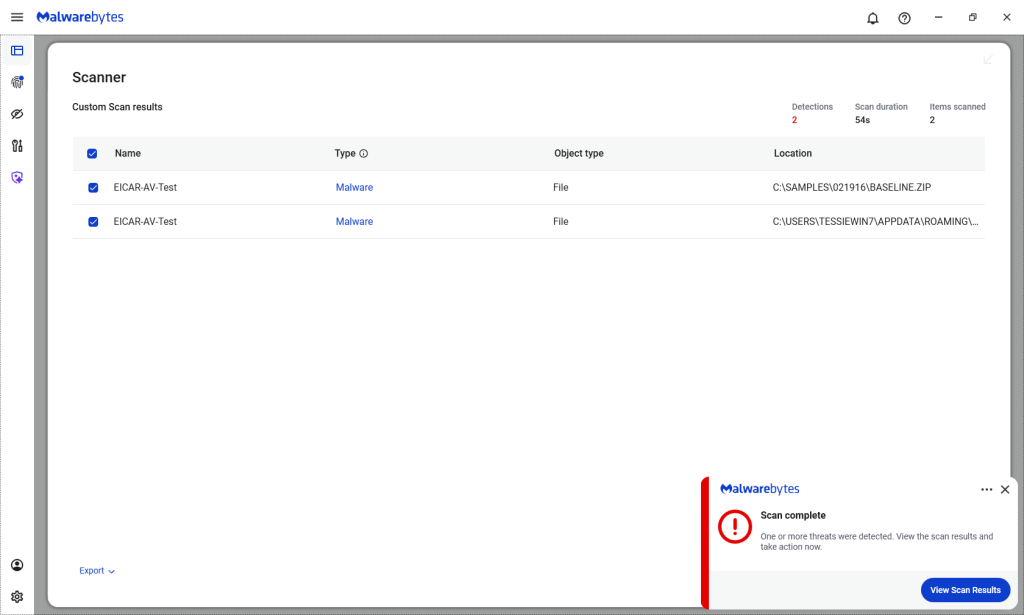
Malwarebytes/ThreatDown products detected both files, by the way.
Technical details
On their GitHub page (currently blocked by Malwarebytes Browser Guard due to a risky pattern), the researchers explain how the Zombie ZIP method works.
By changing the file’s compressiontype to 0 (STORED), tools trying to read the archive assume the file’s contents are simply stored inside the ZIP file and not compressed.
“AV engines trust the ZIP Method field. When
Method=0 (STORED), they scan the data as raw uncompressed bytes. But the data is actually DEFLATE compressed — so the scanner sees compressed noise and finds no signatures.The CRC is set to the uncompressed payload’s checksum, creating an additional mismatch that causes standard extraction tools (7-Zip, unzip, WinRAR) to report errors or extract corrupted output.
However, a purpose-built loader that ignores the declared method and decompresses as DEFLATE recovers the payload perfectly.
The vulnerability is scanner evasion: security controls assert ‘no malware present’ while malware is present and trivially recoverable by attacker tooling.”
Security researcher Didier Stevens published a method to safely examine the content of a malformed Zombie ZIP file. One way to spot the manipulation is by comparing the ZIP header fields compressedsize and uncompressedsize. If they are different, that means the ZIP file is not actually STORED, but compressed.
From reporting threats to removing them.
Cybersecurity risks should never spread beyond a headline. Keep threats off your devices by downloading Malwarebytes today.